


 Direct purchase from the factory

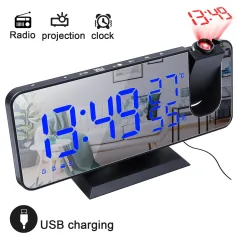

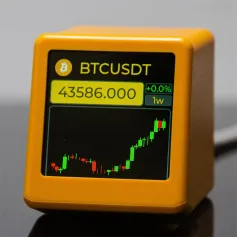
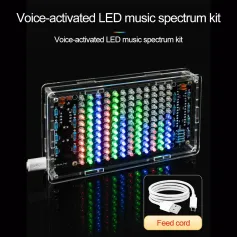
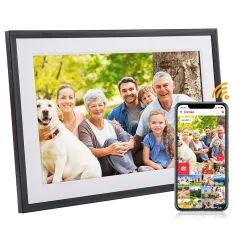

1.You can contact the customer service. for any question regarding the product.
2.Ask the question in English to get answer faster.
3.Keep your question short and to the point.
Questions:0/2000


 Multi Rotor PartsFPV SystemRadios & ReceiverBattery & ChargerTools & Bags & StorageConnector & Cable & WireRC ServosElectronic Learning ToysPlane & Parachute ToysSolar Powered ToysPottery Clay & ToolsPaper Art & DrawingBlocks & Track ToysModel BuildingDiecasts & Model ToysProtective GearsMotorcycle LightsCharger & Socket AdapterMotorcycle Engines & ComponentMotorcycle HelmetMotorcycle DIY KitsMotorcycle AccessoriesMotorcycle Alarm & SecurityCar Stickers & DecalsCar CoversWindow FoilsCar Protective FilmCar Protective Film Body ArmorLicense Plate AccessoriesDIY Electronic KitsElectronic Accessories & SuppliesModule ComponentsBoard & ShieldExpansion Board & ShieldSmart ModuleSensor & Detector ModulePower Supply ModuleRaspberry Pi & Orange PiSecurity Alarm SystemSmart Remote ControlWeather Station & ThermometerAccess Control & IntercomsHome Automatic KitsAutomation ModulesClocksHome Decor StickerDecorative PaintingDecorative CraftsStorage BagsStorage BoxesItems Storage & OrganizationSeedsWatering & IrrigationGarden LightsPest Control ProductsBathroom ApplianceShowerhead & AccessoriesBathroom Storage & OrganisationBathroom SafetyDoor Hardware & LocksIndustrial HardwareDecorative HardwarePackaging & ShippingStorage & OrganizationFurniture HardwareKitchen Tools & GadgetsDrinkware & Tea SetsBakeware & AccessoriesHome Brewing & Wine MakingKitchen Knife & CutleryBarbecue & Picnic SuppliesDinnerware & FlatwareXiaomi Kitchen Appliance
უსაფრთხო გადახდა

 უფასო საჩუქარი
 მიტანის პოლიტიკა
 დაბრუნების პოლიტიკა
1. Question: Does the APP support English?
Answer: Yes, you can adjust the system language of your phone as needed, and then reopen the APP to display the language you want.
2. Question: How to connect to the network?
Answer: Turn off your 5G data network and connect to 2.4GHz WiFi. Our products can only connect to 2.4GHz WiFi.
3. Question: If the APP does not send a six-digit verification code?
Answer: If you do not receive a verification code, you can contact the following email ipstube.com.
Or you can recheck the update and switch to version 1.09, which can be configured through the experience mode without logging in.
4. Question: If there is no screen display or a black screen when the phone is turned on?
Answer: If there is no screen display when the phone is turned on, it may be that the product is slow to respond. You can plug the Type-c interface of the linked product back to restore it to normal.
5. Question: If the time and location are not displayed?
Answer: A. Set the time and location first;
B. Synchronize the weather;
Package includes:
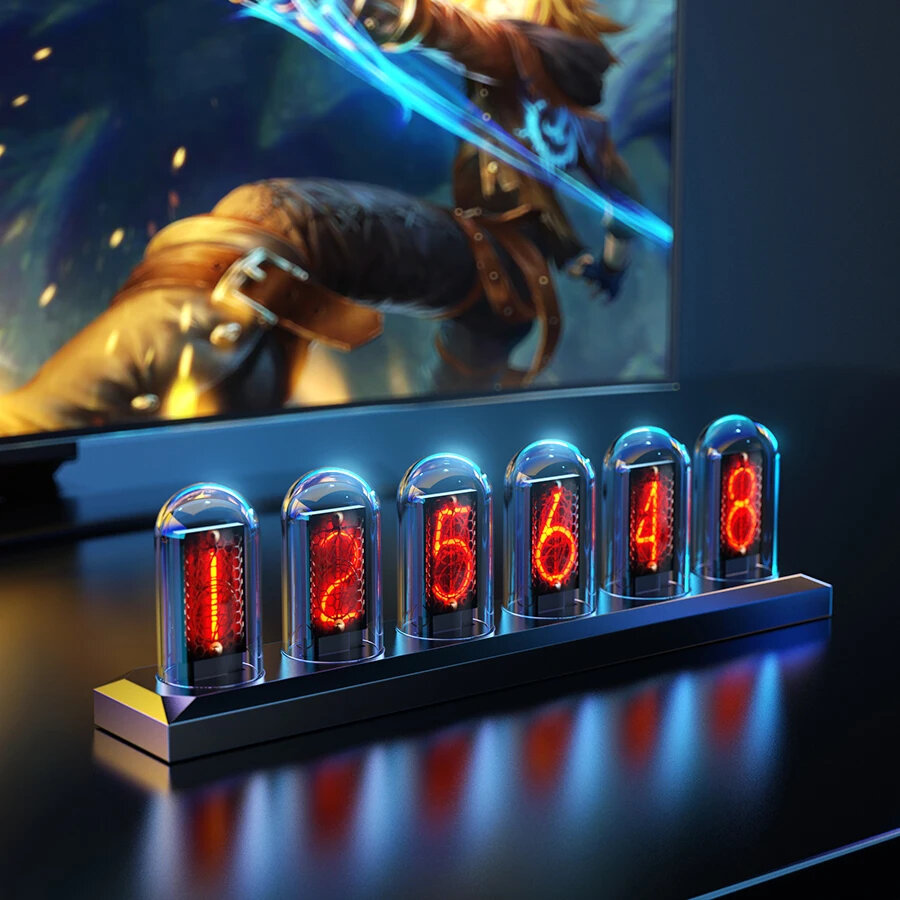
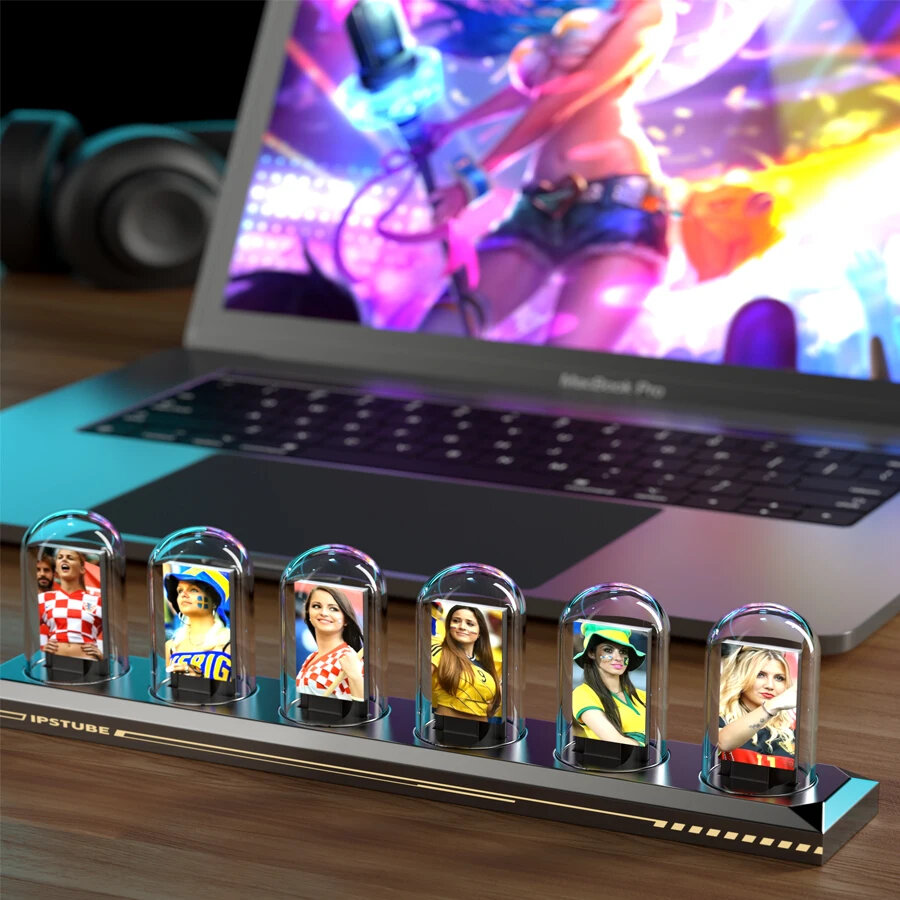
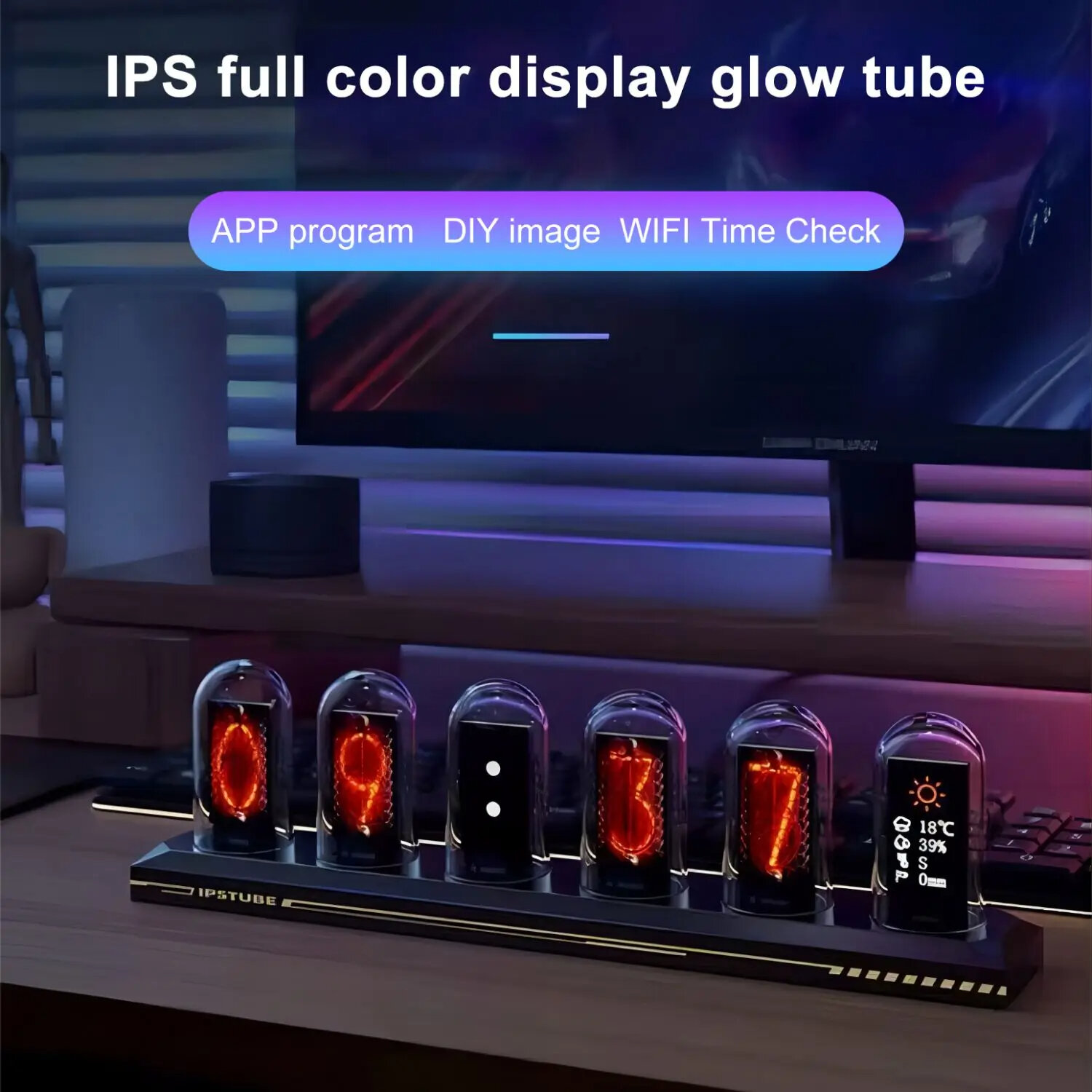
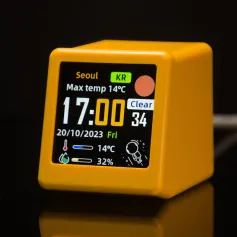
1 X Ipstube Fluorescent Tube Clock
1 X USB Cable
A part of the review has been auto-translated.

okokokok
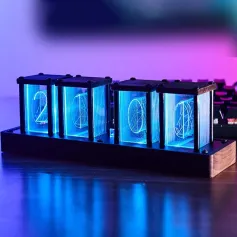
Beautiful clock, easy to set up and change the screens, it has a lot of themes you can add to the screens, good built quality. This is the version with RGB leds in the back of the screens, not in front
Tips:For questions about your order, place of delivery, product discount, taxation, delivery time, warranty, shipping, payment, exchange rate, and other questions unrelated to the product, please contact customer service.
A part of the QA has been auto-translated.
მიიღეთ უახლესი ამბები და 15% ფასდაკლება თქვენს პირველ შეკვეთაზე.



Hi ?
How can we help?